

As more teams shift to remote and hybrid work, finding the right way to connect matters more than ever. Two main options stand out: video calls and voice (audio) calls. While both have their place in modern workplaces, they serve different purposes depending on the context, team size, and communication style.
Today, workplace communication extends far beyond simple meetings. Teams collaborate internally, coordinate with customers, work with vendors, and engage external stakeholders throughout the day. From melp app’s perspective, the most effective collaboration happens when voice calls, video meetings, messaging, file sharing, and productivity tools work together in one connected environment. As a Multi Enterprise Linking Platform, melp app helps organizations support both internal and external collaboration without forcing employees to switch between disconnected tools. This creates a smoother communication experience while improving productivity, engagement, and decision-making across teams.
Let’s break it down with real-world situations to see which option works best when collaborating with your team.
The Case for Video Calls in Collaboration
Choosing between a voice call and video call depends on the purpose of the conversation. Some discussions benefit from visual interaction, while others only require quick verbal communication. Understanding when each format works best helps teams improve collaboration, productivity, and decision-making.
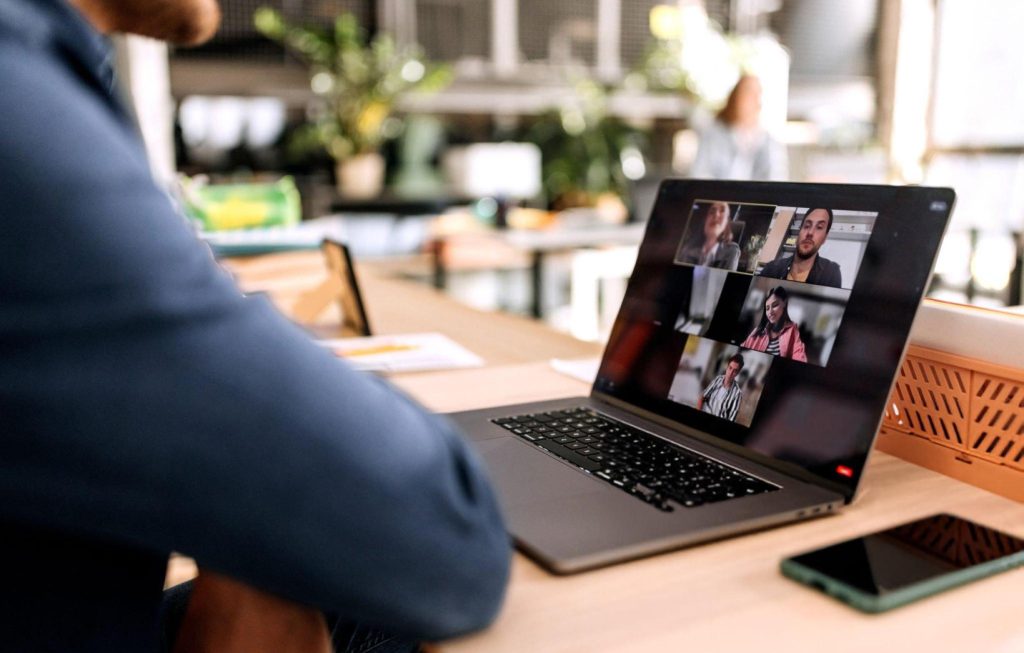
1. Building Personal Connections
In remote work setups, it’s easy to feel disconnected. Seeing your teammates’ faces, even just for a weekly check-in, helps humanize the conversation. Video calls offer facial expressions, body language, and eye contact that make people feel more engaged and heard.
Example: During onboarding, a quick video meeting between a new hire and their manager often helps break the ice much better than an audio call. It puts a face to the voice and builds trust faster.
2. More Clarity in Complex Discussions
When you’re tackling a project with multiple moving parts, visual cues matter. You can share screens, point to slides, and gauge reactions in real-time. That’s something audio calls simply can’t offer.
Example: In a product design review, showing mockups or live demos over a video call allows everyone to react immediately. Questions and feedback feel more natural when people can see what’s being discussed.
3. Encourages Focus and Accountability
With cameras on, people tend to be more present. Video calls reduce multitasking because everyone knows they’re visible. It’s not about policing people, but rather keeping meetings more focused and interactive.
Example: A project status call on video means fewer distractions. Team members stay on topic and wrap things up quicker than if everyone were dialing in with no FaceTime.
4. Better for Team-Building Moments
Sometimes, collaboration isn’t just about tasks. Casual face time helps build camaraderie. Whether it’s a virtual coffee break or a Friday team celebration, video calls make these moments feel more real.
Example: A team celebrating a successful campaign over video with a quick toast can feel more personal and bonding than just hearing voices on a line.
5. Great for Performance Reviews or Feedback
When it comes to giving or receiving feedback, seeing someone’s face matters. It helps soften tough conversations and shows empathy. Constructive feedback on video call sessions is often more effective because participants can observe facial expressions, reactions, and non-verbal cues that help create better understanding and stronger communication.
Example: A manager offering feedback on a project via video can show appreciation through tone and expression. It’s easier to have a two-way, respectful conversation.
The Case for Voice (Audio) Calls in Collaboration
To understand the audio call meaning in workplace communication, it helps to view audio conversations as a fast and flexible way to solve problems, share updates, and make decisions without requiring visual interaction.

1. Quick and Flexible for Busy Schedules
Not every discussion needs a video setup. Audio calls are perfect for quick syncs, especially when teams are juggling tight calendars or hopping between tasks.
Example: Two coworkers stuck on a task can hop on a five-minute audio call while walking or grabbing coffee, solving things faster than a back-and-forth email chain.
2. Less Fatiguing than Video
Zoom fatigue is real. Audio calls allow people to focus without feeling “on camera” all the time. This can be especially helpful for back-to-back meetings or people with screen fatigue.
Example: A content writer and editor may do a quick audio call to review outlines. It keeps the process smooth without the added pressure of being video-ready.
3. Better for On-the-Go Conversations
Audio calls are mobile-friendly. When you’re away from your desk or commuting, voice calls let you stay connected without needing a quiet, well-lit space.
Example: A field team lead might join a morning check-in while heading to a job site, using audio to stay updated without stopping work.
4. Encourages Active Listening
Without visuals, people tend to listen more carefully. It forces teams to express themselves clearly and concisely, which improves overall communication.
Example: During a team brainstorming session, audio-only discussions can prompt sharper ideas because people aren’t distracted by what’s happening on screen.
5. Easier on Bandwidth and Tech
Not all remote workers have perfect internet. Audio calls work better on weaker connections, making them more inclusive. Many organizations continue using audio and video conferencing together because each communication method serves different business needs and helps teams remain productive regardless of location or network quality.
Example: A team member working from a rural area might prefer audio for regular updates, avoiding lag or video drops that hurt collaboration.
So, Which Is Better?
The real goal is not choosing one communication method over another. Successful organizations understand that different situations require different approaches. The strongest collaboration strategies maximize video call engagement when visual interaction matters while still using audio conversations when speed and flexibility are the priority. Understanding these video call benefits helps teams create more effective communication habits.
It depends on the situation. Video calls are excellent when face-to-face interaction improves clarity and engagement. Audio calls shine when speed, flexibility, or low-pressure conversation is the goal.
A smart hybrid of both often works best. Use video for team-wide meetings, one-on-ones, and project launches. Lean on audio calls for daily check-ins, quick decisions, or mobile chats.
Video Calls vs Voice Calls
| Feature/Aspect | Video Calls | Voice Calls |
|---|---|---|
| Best For | Team meetings, presentations, visual collaboration | Quick check-ins, urgent decisions, low-bandwidth users |
| Visual Interaction | Yes – great for reading body language | No – only voice tone can be judged |
| Internet Requirements | High bandwidth needed | Low bandwidth sufficient |
| Distraction Level | Higher (people focus on appearance, background) | Lower – people focus only on voice and content |
| Tech Issues | More likely (video lag, freezing) | Rare – audio usually stable |
| Time Efficiency | Often longer – feels like a full meeting | Usually shorter and to the point |
| Device Dependency | Works better on laptop or tablet | Can easily be done from a mobile phone |
| Suitability for Remote Teams | Great for team bonding and clarity | Ideal for daily syncs or quick updates |
Why Modern Teams Choose melp app for Voice and Video Collaboration
Communication is no longer limited to a single format. Teams move between messaging, voice calls, video meetings, file sharing, customer interactions, and project discussions throughout the day. Instead of relying on separate applications for every activity, many organizations now prefer a connected workplace experience that keeps everything accessible from one location. melp app helps businesses simplify communication while improving collaboration across departments, locations, and external business relationships.
Unlike traditional communication platforms that focus only on meetings or messaging, melp app supports a broader collaboration ecosystem. Through its Multi Enterprise Linking Platform model, employees can connect with coworkers, customers, vendors, partners, and business networks without leaving the platform. Organizations use melp app to improve communication efficiency, reduce operational complexity, increase visibility, and support more productive hybrid and remote work environments.
10 FEATURES & BENEFITS
• HD voice and video calling
• Real-time in-call chat
• Breakout rooms for focused discussions
• AI meeting summaries
• Speech-to-speech translation
• AI document translation
• Team and Topic-based communication
• Melp Drive document collaboration
• Reduced tool switching across workflows
• Higher ROI through platform consolidation
Final Thoughts
In today’s flexible work culture, strong team communication means choosing the right tool for the moment. Both video and audio calls help improve virtual meetings, but knowing when and how to use each can make your remote work smoother, less stressful, and more effective.
By matching the right method to the task at hand, your team collaboration becomes not just efficient, but human.
Make Collaboration Easier Starting Today
If your team is split between video and voice calls, it might be time to try something that brings everyone together. With the right setup, meetings don’t have to feel like a chore. Melp gives your team clarity and a better way to connect in real time. Sign up today, Melp, and simplify how your team collaborates.